

Beyond Zoom: How Web-based VR Boosts Creativity in Hybrid Teams
Learn how web-based VR workspaces reduce collaboration latency and boost creativity in hybrid teams, going beyond scheduled Zoom calls.
Key Takeaways
Define collaboration latency
Collaboration latency is the delay between having an idea and gathering the right people to act on it.
Spot hidden slowdowns
Email overload, slipped timelines and meeting-heavy days are practical signs that collaboration latency is hurting creativity.
Value of web-based VR
Web-based VR workspaces restore a sense of shared place, enabling faster, more natural creative interactions for hybrid teams.
Essential solution features
Real-time presence, persistent spaces, spatial audio and browser access make hybrid collaboration tools genuinely useful for creativity.
Start with focused pilots
Introduce immersive collaboration gradually through focused pilots on high-impact workflows like brainstorming or design reviews.
Understanding Collaboration Latency in Remote Work
Collaboration latency is the hidden delay between having an idea and getting the right people together to move it forward. In remote and hybrid teams, that delay grows every time you wait for a reply, a calendar slot or the “right” meeting. Creativity suffers because ideas arrive fast, but your ability to act on them does not.
In co-located offices, you spot someone at their desk, walk over and sketch on a whiteboard within seconds. Traditional remote communication replaces that with email threads, chat pings and scheduled Zoom calls. Each layer adds friction: messages get buried, time zones conflict, and people hesitate to interrupt.
These tools are valuable, but they were built for structured conversations, not spontaneous creative collisions. Email is asynchronous by design. Video meetings require a link, a time and an agenda. By the time the meeting happens, the original spark might be weaker, the context fuzzier, and the team’s energy elsewhere.
Hybrid teams feel this friction more acutely. Some people can still walk over to a colleague, while remote teammates are stuck waiting behind screens. That imbalance quietly shapes whose ideas get explored first and whose get delayed, or never voiced at all.
Understanding collaboration latency starts with noticing how often work pauses while communication logistics catch up. Every “let’s schedule something” or “circling back on this” is a symptom of a system where communication tools, not creative thinking, set the tempo.
Identifying Signs of Collaboration Latency
If you want to boost creativity in a hybrid team, you need to spot where collaboration latency already slows you down. It rarely appears as a single big blockage. Instead, it shows up as many small drags on momentum that people learn to tolerate.
A practical way to see it is to look at your communication exhaust: the volume of emails, meetings and status updates required just to keep work aligned. When the overhead of coordinating ideas outweighs the energy of creating them, your team is experiencing collaboration latency.
- Growing email and chat volume just to clarify who is doing what or to get quick approvals.
- Projects regularly slipping, not because the work is hard, but because people “waited on feedback” or “couldn’t get time with X.”
- Frequent scheduling of Zoom or other video meetings for topics that should take a short conversation.
- Brainstorm sessions that feel flat online, with the same few voices dominating while others stay muted or silent.
- Multiple parallel documents, whiteboards or slide decks because it is hard for everyone to find and gather around the same thing.
- People reporting that they “don’t know who is around” or “don’t want to interrupt,” so they sit on questions.
These are not just productivity issues; they directly constrain creative output. When it takes hours or days to get the right trio of people together, fast-moving ideas slow down until they fit the calendar. Over time, teams start proposing fewer bold ideas because they expect follow-through to be heavy and slow.
Once you recognise these patterns, you can begin to design collaboration environments that reduce waiting and make it easier for people to find each other, share half-formed thoughts and refine them in real time.
Prioritizing Solutions to Collaboration Challenges
Hybrid collaboration has many pain points, from tool overload to meeting fatigue. You cannot fix everything at once, and you do not need to. To improve creativity meaningfully, it helps to prioritise the issues that most directly block real-time connection around work.
The biggest creative gains usually come from tackling communication bottlenecks, not from adding more communication channels. If people still wait hours for answers or struggle to find the right collaborator, simply layering more chat threads or recurring meetings will not help.
A useful lens is to ask: where does work most often pause while someone is “trying to get hold of” another person? Those choke points might be design reviews, cross-team decisions, or subject-matter expertise that lives with a few individuals. Reducing latency around these moments often returns more value than optimising low-impact workflows.
From there, you can sequence your changes: first, give people clearer visibility into who is available and what they are working on; next, make it simpler to initiate short, focused interactions; then, improve how shared artefacts (boards, documents, prototypes) are co-created in the same environment where conversations happen.
Prioritisation matters because every new tool or process demands attention. By focusing first on barriers to fast, human connection, you align your collaboration stack with how creativity actually flows in teams: through quick questions, side conversations and evolving ideas, not just planned sessions.
How Web-based VR Enhances Real-time Collaboration
Web-based VR workspaces address collaboration latency by restoring a sense of shared place for distributed teams. Instead of jumping between links and apps, people enter a persistent 3D environment in the browser where others are visibly present and approachable.
In a traditional Zoom-style setup, the “room” only exists for the duration of a scheduled call. There is no corridor to walk through, no desk to stop by, and no meaningful sense of proximity. Web-based VR collaboration creates that missing context. You see clusters of people, you hear conversations fade as you move away, and you choose where to go based on visual and spatial cues.
This shift from a list of names to a navigable space fundamentally changes how quickly people connect around ideas. To ask a question, you do not craft a message and wait; you move your avatar or video presence toward the relevant group and speak naturally, just as you would in a physical office.
Browser-based VR workspaces also support hybrid participation. People on laptops, tablets or headsets can share the same virtual environment, seeing each other as live video or avatars. Because access runs in the browser, there is no need for downloads or installs, which lowers the threshold for spontaneous use across the team.
For creative work specifically, this environment enables sketching, pinning content, arranging objects and co-presenting in a space everyone can navigate. Instead of screen-sharing a static slide, teams can move around boards, prototypes or data displays together, creating a more fluid back-and-forth between talking and making.
Characteristics of Effective Hybrid Collaboration Solutions
Not every digital tool will reduce collaboration latency or support deep creative work. Effective hybrid collaboration solutions share a handful of features that make real-time interaction feel natural instead of forced. These go beyond chat and video tiles.
For web-based VR to genuinely boost creativity in hybrid teams, the experience has to be lightweight, device-agnostic and respectful of security and accessibility requirements that IT leaders care about. If joining the space is harder than joining a video call, people simply will not use it for quick creative moments.
- Real-time presence indicators that show who is “in the space,” what they are near and whether they are available to talk.
- Persistent shared spaces that remain set up between sessions, so boards, layouts and artefacts stay where teams left them.
- Spatial audio, allowing people to form small groups, hold side conversations and move between discussions by walking closer or farther away.
- Support for multiple device types — desktop, laptop, mobile and optional headsets — so hybrid participation is inclusive.
- No-download, browser-based access with secure connections, making it practical to invite guests and new team members quickly.
- Controls for privacy, access and moderation that align with organisational security practices.
When these elements come together, hybrid teams gain a collaboration environment that feels like a living workspace rather than a series of disconnected calls. That environment is fertile ground for creativity because it makes it easy to convene the right mix of people, at the right moment, around the right artefacts.
For readers interested in a broader overview of how virtual workspaces function in practice, the discussion of browser-based VR in “Virtual Reality Workspaces: A Browser-Based VR SaaS Playbook for Hybrid Teams” provides additional context: read the playbook here.
Visualizing a Successful Hybrid Team Environment
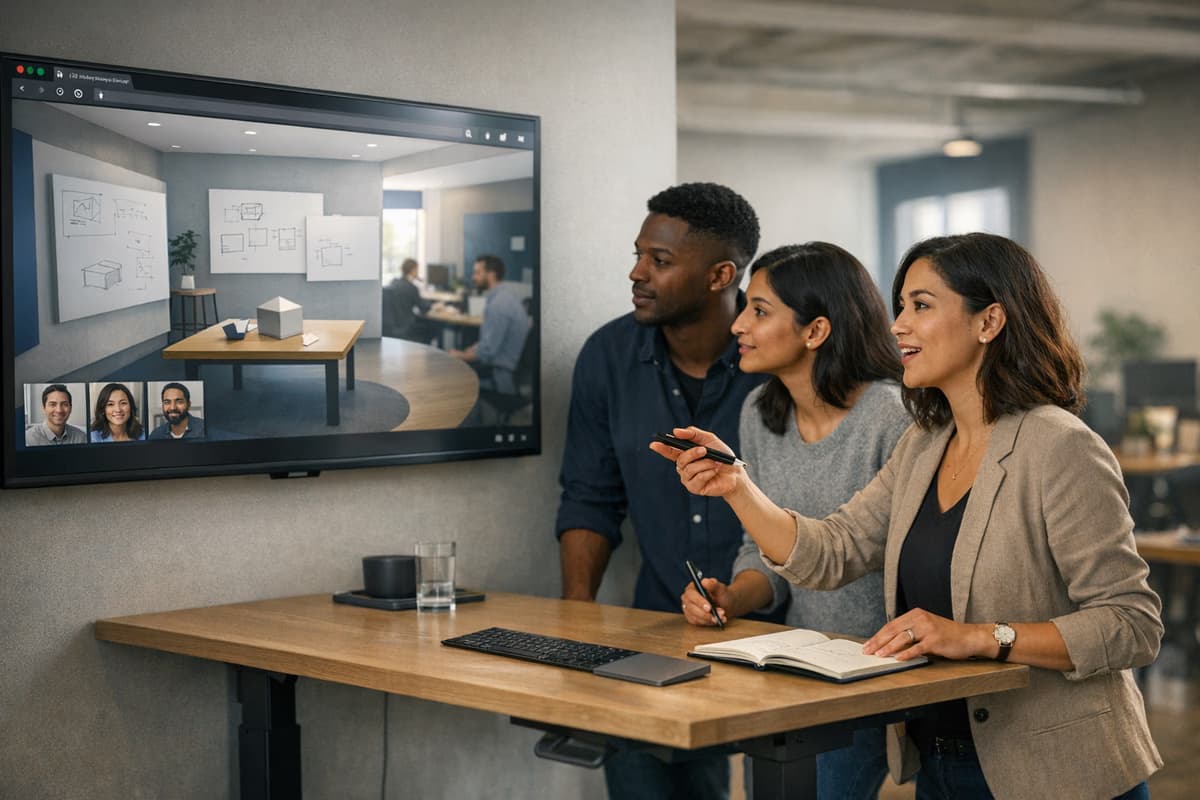
To see the creative potential of web-based VR beyond Zoom, imagine a hybrid team that treats its virtual workspace as a real office. People do not wait for links; they enter the shared environment at the start of their day, see who is around and gravitate toward the areas where work is happening.
In this kind of setup, project spaces act like dedicated team rooms. Visual boards, reference documents and prototypes stay pinned to the walls between sessions. When someone has a new idea, they can drop it into the space immediately and pull in relevant colleagues who are already nearby, instead of scheduling a separate meeting.
Creative sessions become more like walking around a studio than flipping through slides. Smaller sub-groups can peel off to one corner to explore an angle, then rejoin the main cluster to share what they discovered. Hybrid participation feels natural because remote teammates see and hear the same space others experience.
Globaly is built around this model of immersive, browser-based collaboration. By combining real-time presence, spatial interaction and persistent shared spaces, it supports the kind of informal encounters and quick problem-solving that physical offices enable for creative work.
For example, within Globaly, hybrid teams can use immersive environments for daily collaboration, onboarding and training, or high-energy moments like virtual events and sales kickoffs. These scenarios benefit from having a shared, navigable space where people can move toward the content and conversations that matter most to them, instead of being locked into a single scheduled call.
Next Steps for Implementing Immersive Collaboration
Moving beyond Zoom toward web-based VR does not have to be a dramatic overhaul. The most sustainable transitions start small, focus on specific collaboration bottlenecks and build confidence as teams experience the new environment’s creative benefits.
A simple roadmap helps you introduce immersive collaboration without overwhelming people or disrupting current workflows. The goal is to add a new space where high-value interactions can happen faster, not to replace every existing tool at once.
- Identify one or two collaboration areas where latency most hurts creativity, such as brainstorming, design reviews or cross-functional decision-making.
- Select a browser-based VR workspace that supports real-time presence, spatial interaction and persistent shared spaces, and confirm it aligns with your security and accessibility needs.
- Run a contained pilot with a motivated hybrid team, using the immersive space for specific sessions instead of traditional video calls.
- Gather feedback on how easy it was to find colleagues, share ideas and move between conversations compared with your existing tools.
- Iterate on norms: define how and when people are expected to be present in the space, and how it complements chat and email.
- Expand usage gradually to other teams and use cases, including onboarding, training or virtual events, once you see clear qualitative benefits.
Globaly offers immersive collaboration capabilities that fit directly into this kind of roadmap. Because it runs entirely in the browser, with no downloads or headsets required, it can be introduced alongside your existing tools and tested with hybrid teams who are already familiar with video calls and chat.
If you want to explore how these ideas relate to everyday challenges like simply finding colleagues, the article “Why You Can’t Find Anyone at Work (And How to Fix It)” is a useful companion read: learn more about presence and discoverability.